

Estimated reading time: 4 minutes
- Intro: the business problem
- What a 3D product configurator is (for WooCommerce)
- Why 3D models and configurators increase sales and reduce returns
- How it connects technically to WooCommerce (non‑technical explanation)
- When you should choose custom 3D vs plugins/SaaSMini case study / hypothetical example from your studio
A 3D product configurator for WooCommerce helps you move beyond flat photos and static angles so customers can see and configure complex products in real time. That works for simple items, but when customers need to pick sizes, finishes, or configurations, photos and dropdowns are not enough. They can’t see what they’re buying, they get confused, they abandon the cart, and returns go up.
In this guide, I’ll show you how 3D product models and a 3D configurator integrated with WooCommerce can help you showcase your products, reduce support questions, and close more sales, without turning your store into a slow, buggy mess
What is a 3D product configurator for WooCommerce?
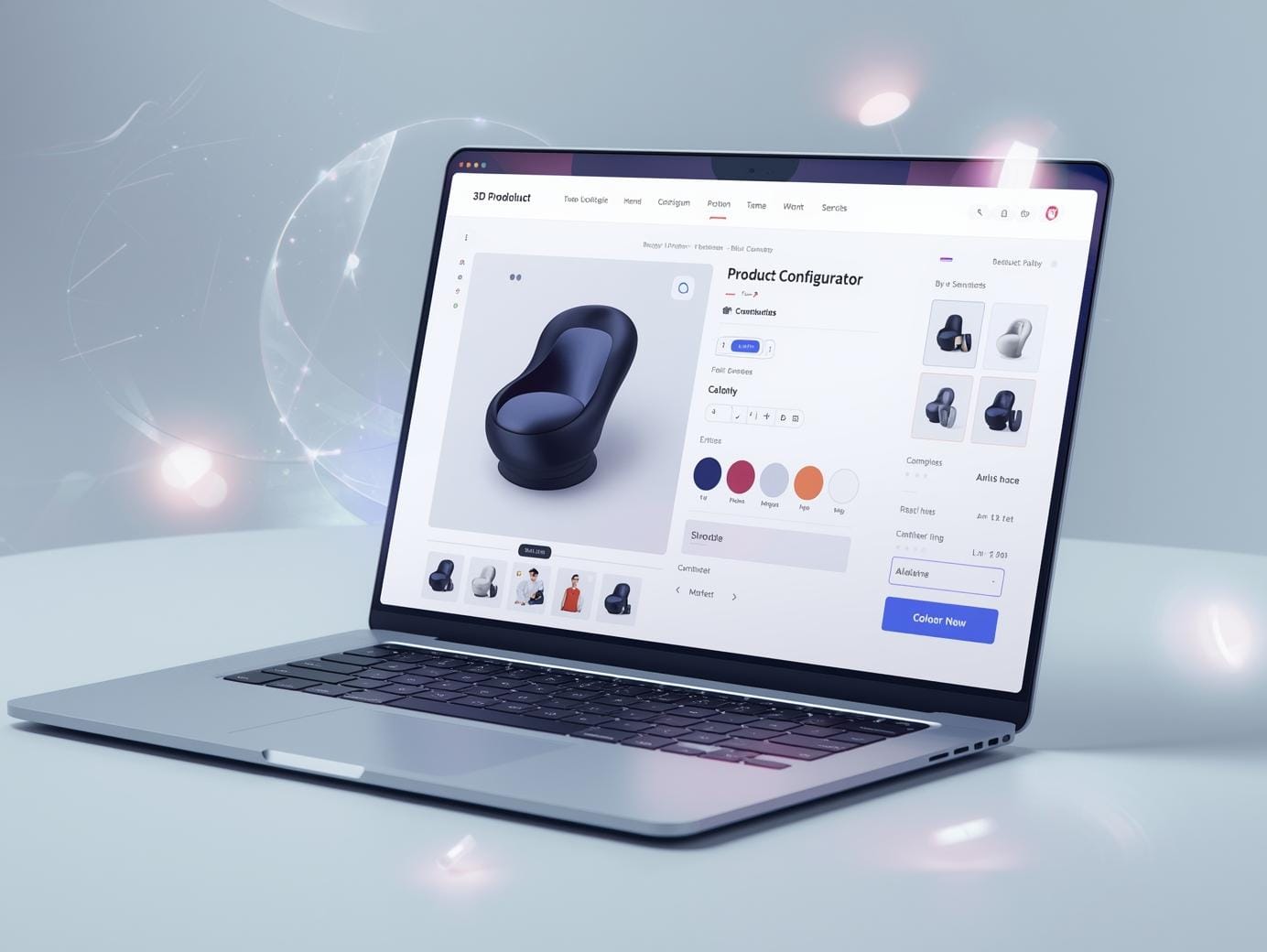
A 3D product configurator lets customers rotate, zoom, and customize a product in real time directly on your product page. Instead of choosing options from a boring dropdown, they watch the product change live, colors, materials, components, engravings, and any other options you offer. On WooCommerce, a 3D configurator connects a 3D viewer to your product options and pricing. When a user picks an option, the 3D model updates, the price adjusts automatically, and clicking “Add to cart” sends the correct configuration, SKU, or attributes to WooCommerce.
Why 3D models and configurators make more money?
- Higher engagement and time on page. Users play with the product, rotate it, and try combinations, which keeps them longer on your page and sends good signals to search engines.
- Fewer returns and complaints. Detailed 3D views and real‑time customization help buyers understand exactly what they’re ordering; that clarity reduces “this is not what I expected” returns.
- More confident, higher‑value purchases When customers can see upgrades and customizations instantly, they’re more likely to choose premium variants or add‑ons.
- SEO benefits from richer product pages. Google rewards pages where users interact, stay longer, and don’t bounce quickly, so high‑quality 3D experiences can indirectly help rankings if the technical performance (speed, file size) is optimized.
How a 3D configurator connects to WooCommerce (simple)
Behind the scenes, a 3D configurator for WooCommerce has three main parts:
- The 3D model itself
Clean, optimized models of your product, prepared for the web so they load fast and still look good. - The configurator logic
Rules that say what users can change (color, size, parts), how options affect price, and which combinations are allowed. - The WooCommerce integration
The configurator sends the selected options and price back to WooCommerce so every order has the correct attributes, SKU, and production details.
Mention that depending on budget, you can use:
- Existing plugins / SaaS tools for simpler cases (e.g. 3D configurator plugins or third‑party embeds), or
- Custom 3D web apps for complex products or deeper connections to ERP/CAD.
When you should choose custom 3D instead of a plugin
If you’re running a WooCommerce store and your products are hard to explain with flat photos, a 3D configurator might be the most profitable upgrade you can make this year.